
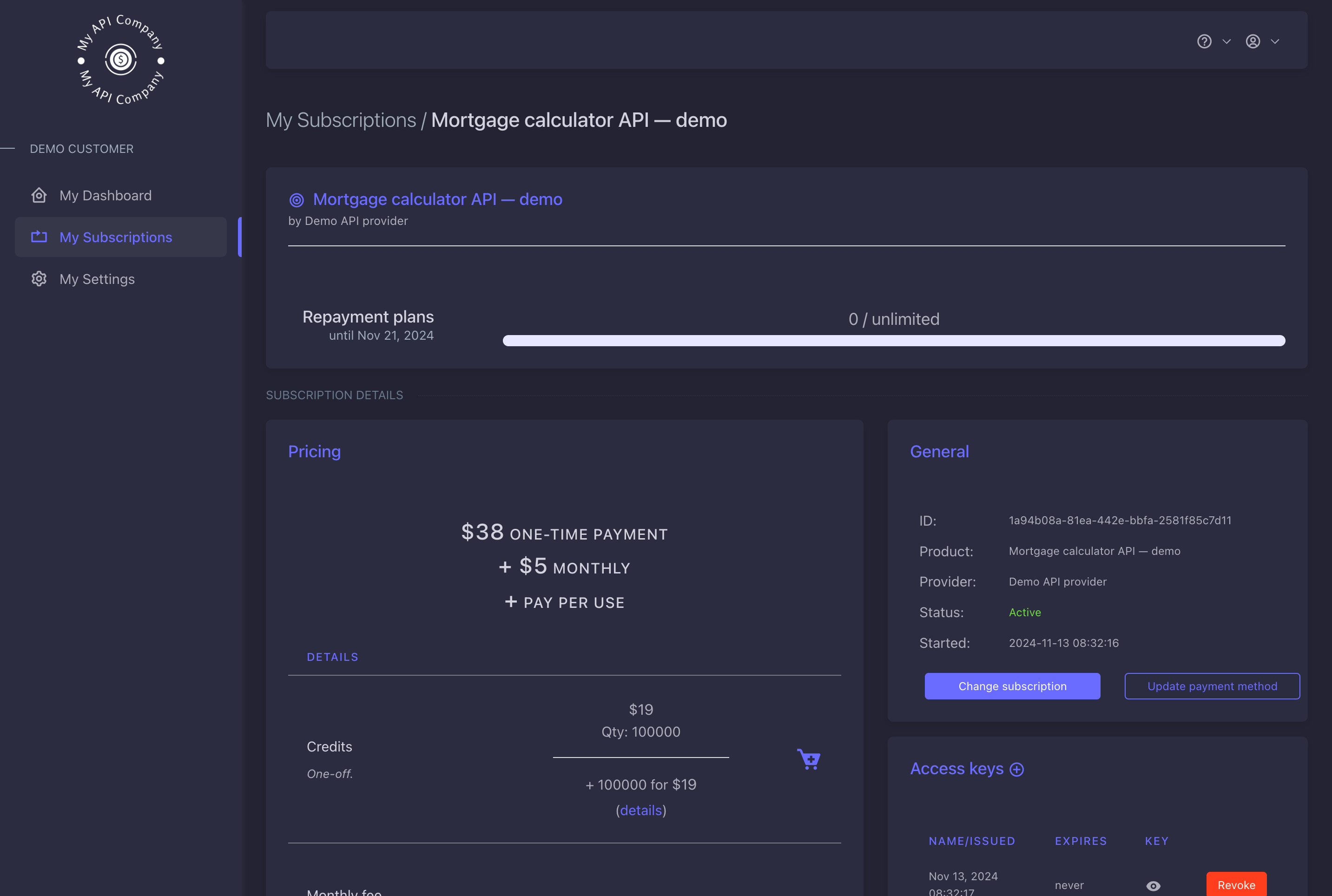
Overview
Nadles offers you a hosted white-label user portal where your customers can manage their subscriptions, payment methods, track usage and payment history. See the demo user portal in dark colors. To make Nadles invisible to your customers, you need to enable the user portal, apply your business style to it and attach custom domains to the API and user portal. This is useful when you have a landing page in your corporate style and would like to ensure a seamless user experience.Prerequisites
- You need a Google Recaptcha V3 site and secret key. Google Recaptcha is used to protect the registration form from bot sign ups.
User portal URL
By default, Nadles domainhttps://<your-subdomain>.up.nadles.com is assigned to your user portal. Later you can attach your own domain to it.
Activating user portal
- Navigate to My User Portal → Settings.
- Enter the subdomain for your user portal.
-
Enter Recaptcha site and secret keys in the respective fields.
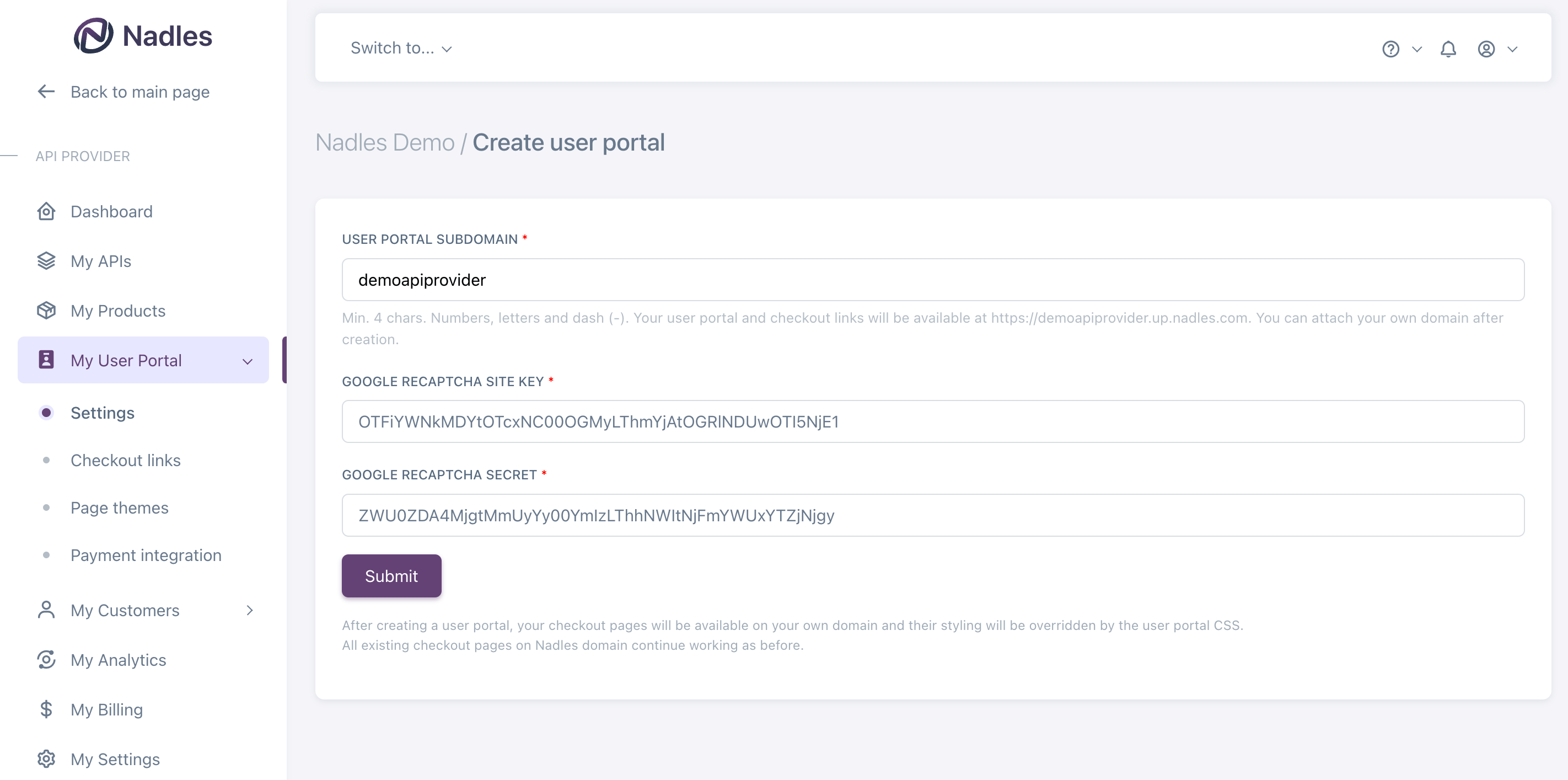
- Click Submit.
Settings
On the settings page you can attach your own domain to the user portal, specify the support email that is displayed to your customers, customize the look and feel of your user portal and set up social login.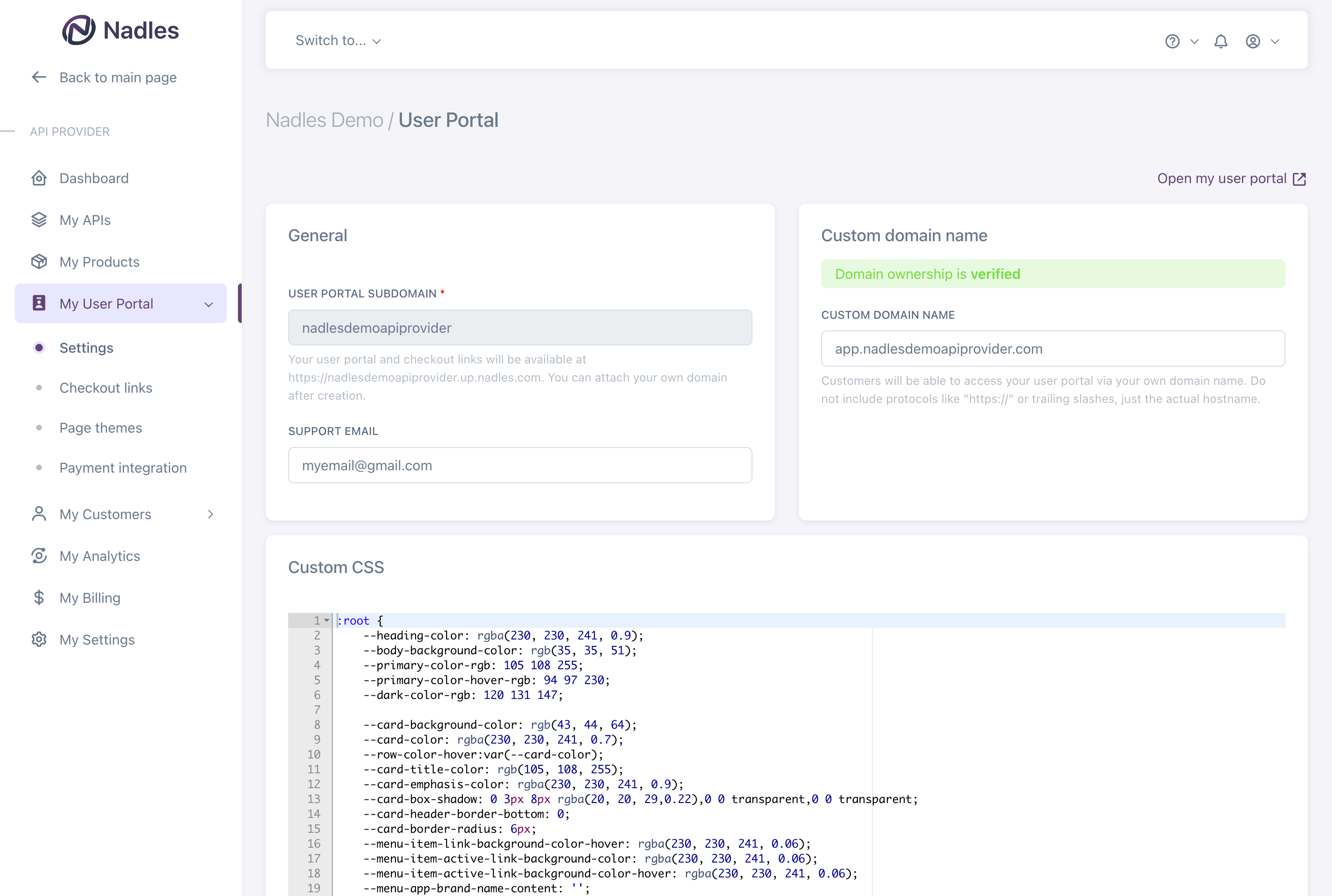
Links
The “Links” section allows you to add custom links to the user portal. When adding a new link, you need to specify the link type, name and the URL. You can pick from the following link types:- Legal agreement
- OpenAPI specification
- API documentation
Legal agreements
By defauly, Nadles displays its own legal agreements on the registration page and in the footer of the user portal. You can add your own legal agreements by adding more links of type “Legal agreement” in the user portal settings.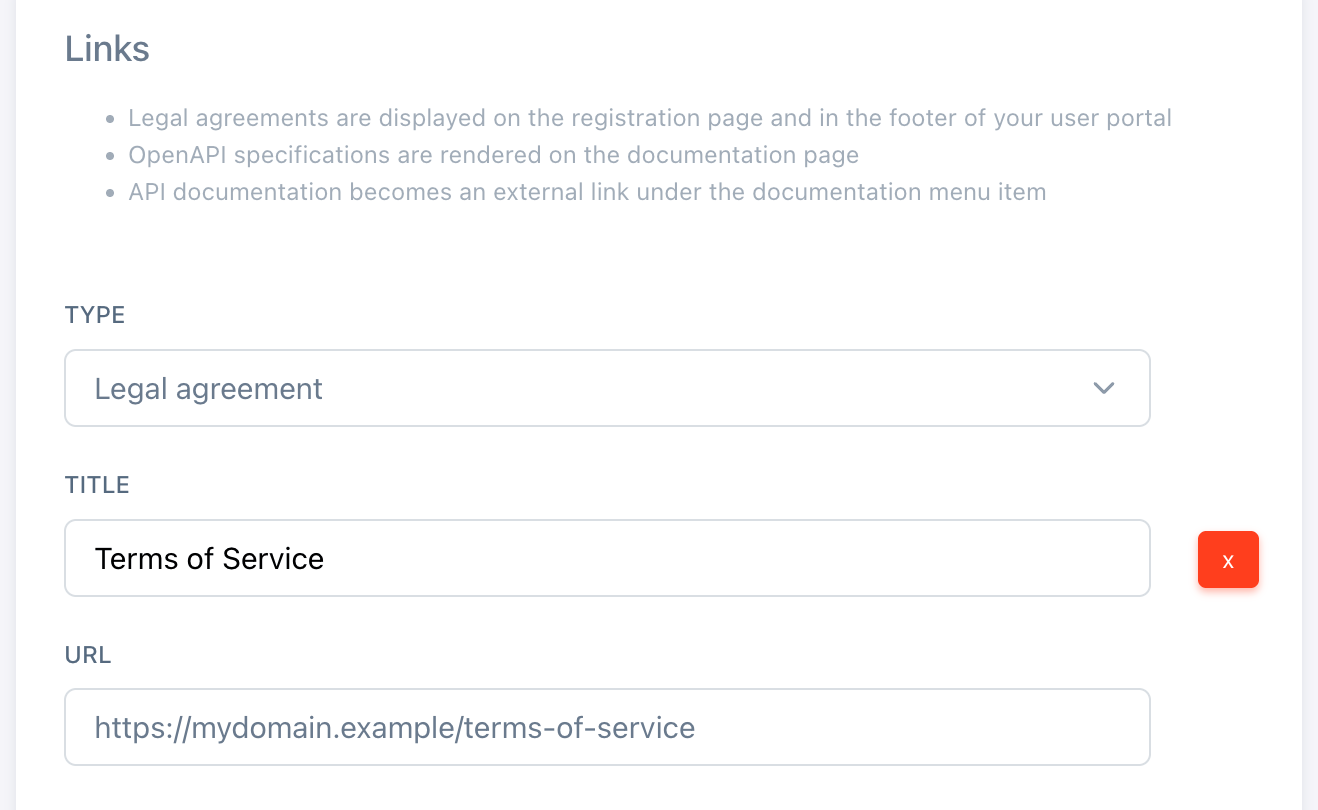
OpenAPI specification
If you add a link of type “OpenAPI specification”, Nadles will render the OpenAPI specification on a separate page and add a menu item for it. You can add multiple links of this type.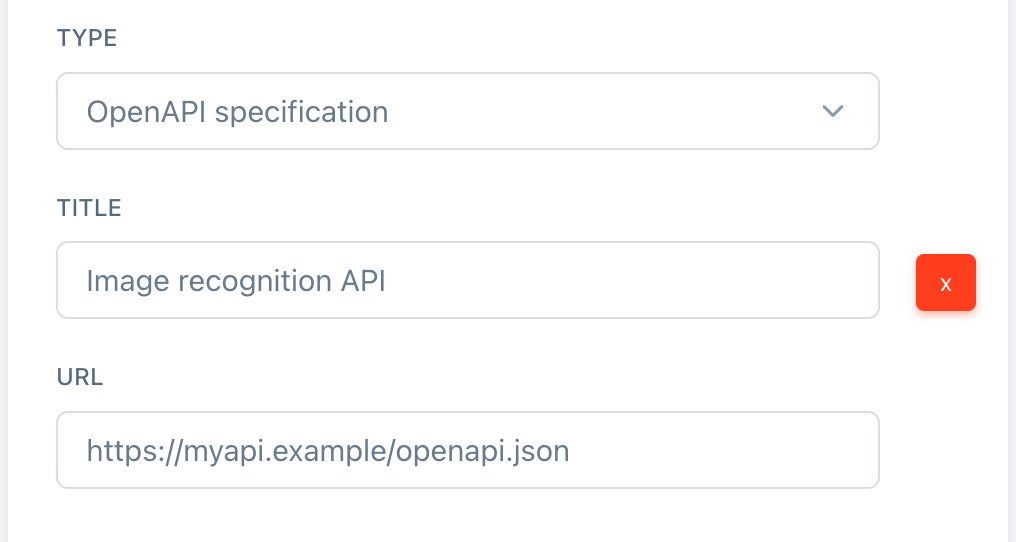
API documentation
Nadles will add this link to the Documentation menu item.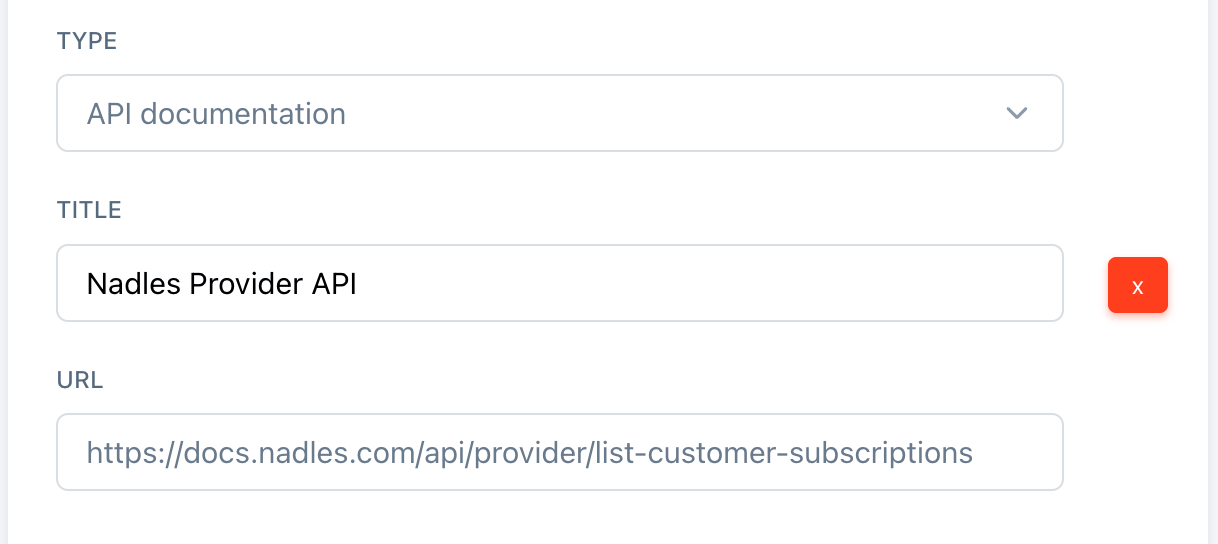
Social login buttons
Nadles allows users to log in via Google, GitHub and GitLab social login. You need accounts on these platforms in order to make social login buttons work. Authorized redirect URIs are:- For Google:
https://<user-portal-domain>/login/check-google - For GitHub:
https://<user-portal-domain>/login/check-github - For GitLab:
https://<user-portal-domain>/login/check-gitlab